
超级任天堂 ROMs & Emulators
Super Nintendo Entertainment System (1990) represents the golden age of 16-bit gaming with Super Mario World, Chrono Trigger, and Donkey Kong Country.

字母索引
查看全部 →必玩热门神作
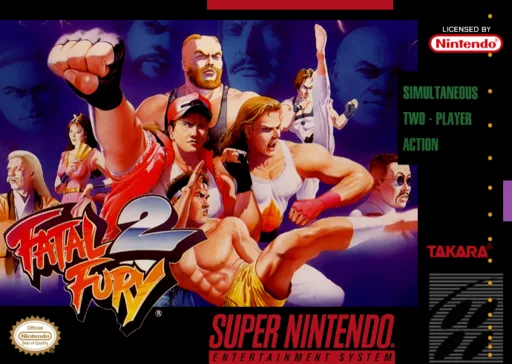
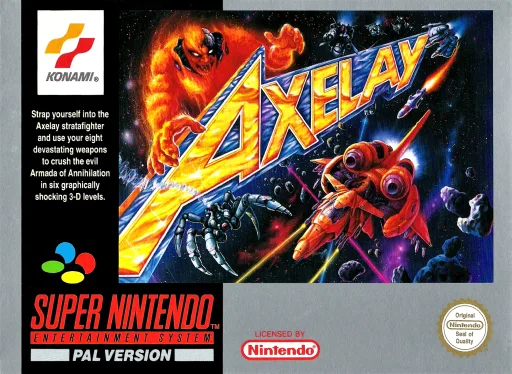
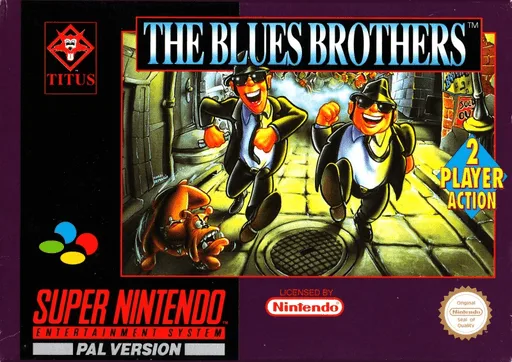
精选 超级任天堂 最具影响力的经典作品,支持免安装在线试玩与 ROM 下载。




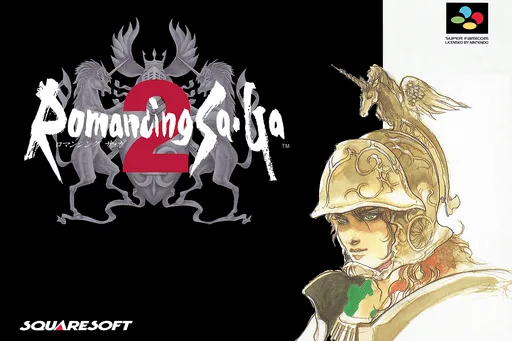

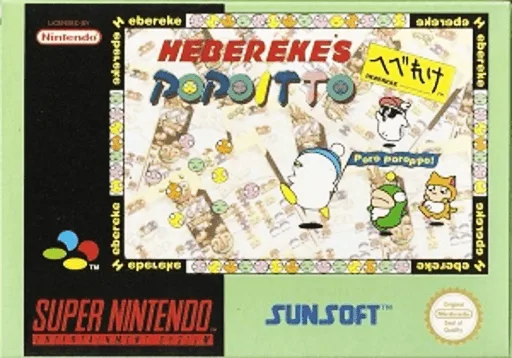

推荐模拟器与配置指南
在 iPhone、Android、PC 和 Steam Deck 上畅玩 超级任天堂 ROM 的最佳方案。
Delta
Seamless full-screen touch controls, controller mapping, and iCloud Drive save syncing.
RetroArch (Snes9x) / Snes9x EX+
High performance with fast-forward, custom shaders, and wireless gamepad compatibility.
Snes9x / bsnes
Accurate emulation, upscaling, rewinding, and comprehensive netplay features.
挑选喜爱的游戏,下载未修改的纯净 ROM 压缩包。
iPhone 用户在 Delta App 点击 “+” 导入;PC/Mac 用户使用推荐独立模拟器或 RetroArch 载入。
连接蓝牙或 USB 手柄(Xbox/PS/Switch),支持即插即用与自动键位映射。
常见问答 (FAQ)
What is the best emulator for 超级任天堂 on iPhone / iOS?
Delta is the top-rated emulator for iOS, supporting full controller input and save states without requiring jailbreak.
Which emulator is recommended for 超级任天堂 on PC and Mac?
Snes9x / bsnes offers the highest accuracy and performance for desktop platforms.
Does 超级任天堂 require a BIOS file?
No separate BIOS file is needed for 超级任天堂; modern emulators include high-level emulation (HLE) out of the box.
Can I play 超级任天堂 games online in my browser?
Yes! You can play classic 超级任天堂 games on XXXROM directly in modern desktop and mobile browsers without installing any standalone software.