
Game Boy Color ROMs & Emulators
Game Boy Color (1998) added vibrant color palettes and backward compatibility with Pokémon Crystal and The Legend of Zelda: Oracle series.

字母索引
查看全部 →必玩热门神作
精选 Game Boy Color 最具影响力的经典作品,支持免安装在线试玩与 ROM 下载。
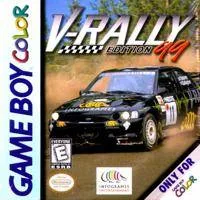
V-Rally - Edition 99
gbc
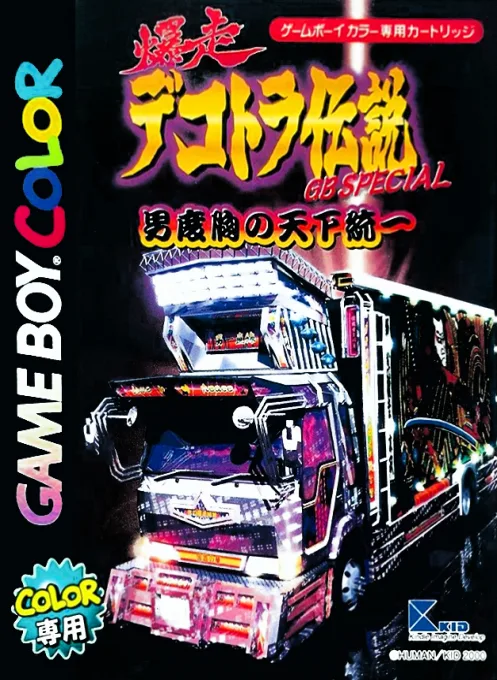
Bakusou Dekotora Densetsu GB Special - Otoko Dokyou no Tenka Touitsu
gbc
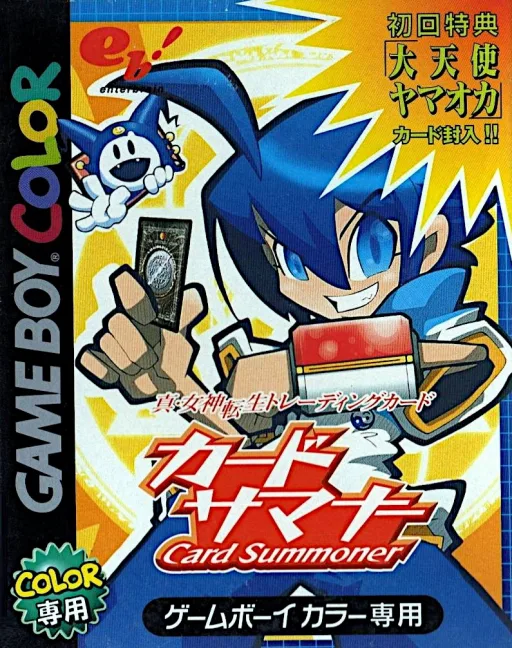
女神转生外传II
gbc
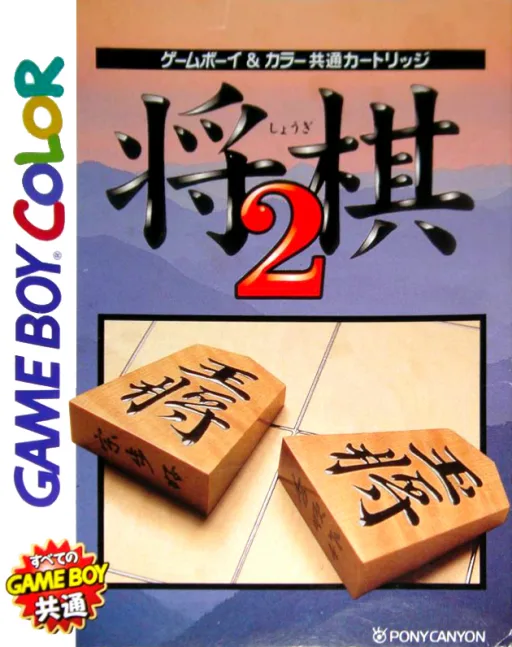
将棋2
gbc

Pitfall GB
gbc
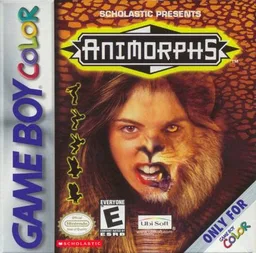
Animorphs
gbc
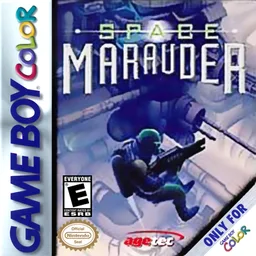
Space Marauder
gbc
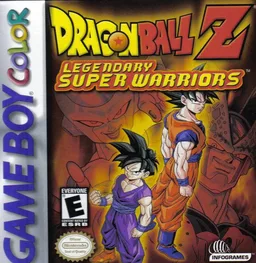
Dragon Ball Z - Legendary Super Warriors
gbc
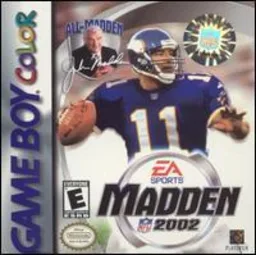
Madden NFL 2002
gbc
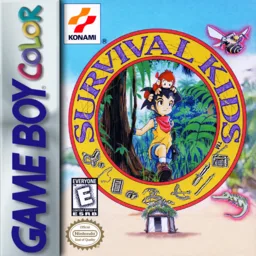
Survival Kids - Kotou no Boukensha
gbc
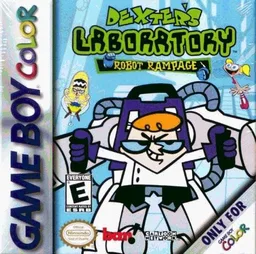
Dexter's Laboratory - Robot Rampage
gbc
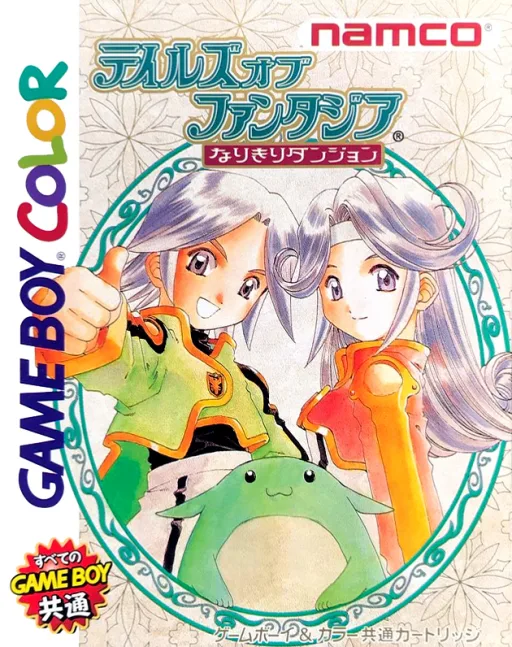
幻想传说 变身地下城
gbc
推荐模拟器与配置指南
在 iPhone、Android、PC 和 Steam Deck 上畅玩 Game Boy Color ROM 的最佳方案。
Delta
Seamless full-screen touch controls, controller mapping, and iCloud Drive save syncing.
Pizza Boy GBC / RetroArch
High performance with fast-forward, custom shaders, and wireless gamepad compatibility.
SameBoy
Accurate emulation, upscaling, rewinding, and comprehensive netplay features.
挑选喜爱的游戏,下载未修改的纯净 ROM 压缩包。
iPhone 用户在 Delta App 点击 “+” 导入;PC/Mac 用户使用推荐独立模拟器或 RetroArch 载入。
连接蓝牙或 USB 手柄(Xbox/PS/Switch),支持即插即用与自动键位映射。
常见问答 (FAQ)
What is the best emulator for Game Boy Color on iPhone / iOS?
Delta is the top-rated emulator for iOS, supporting full controller input and save states without requiring jailbreak.
Which emulator is recommended for Game Boy Color on PC and Mac?
SameBoy offers the highest accuracy and performance for desktop platforms.
Does Game Boy Color require a BIOS file?
No separate BIOS file is needed for Game Boy Color; modern emulators include high-level emulation (HLE) out of the box.
Can I play Game Boy Color games online in my browser?
Yes! You can play classic Game Boy Color games on XXXROM directly in modern desktop and mobile browsers without installing any standalone software.