
SG-1000 ROMs & Emulators
Classic retro console platform with rich library of nostalgic games, fully preserved on XXXROM.

Alphabet
View all →Must-Play Classics
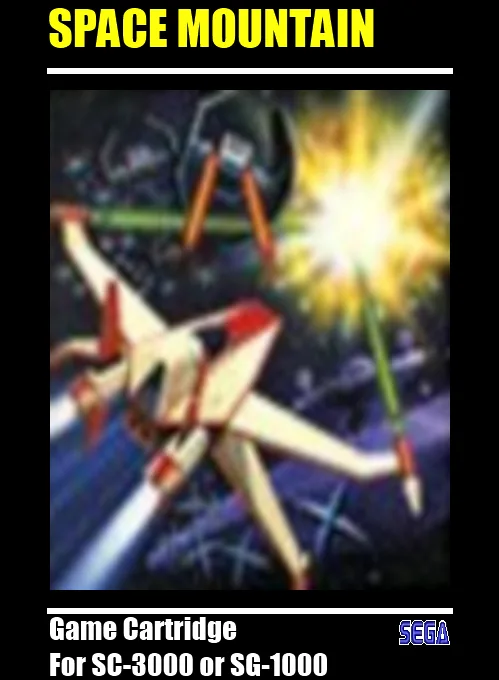
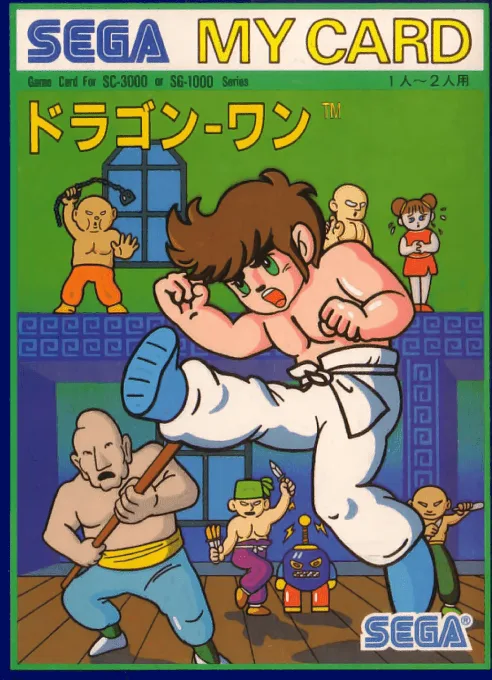
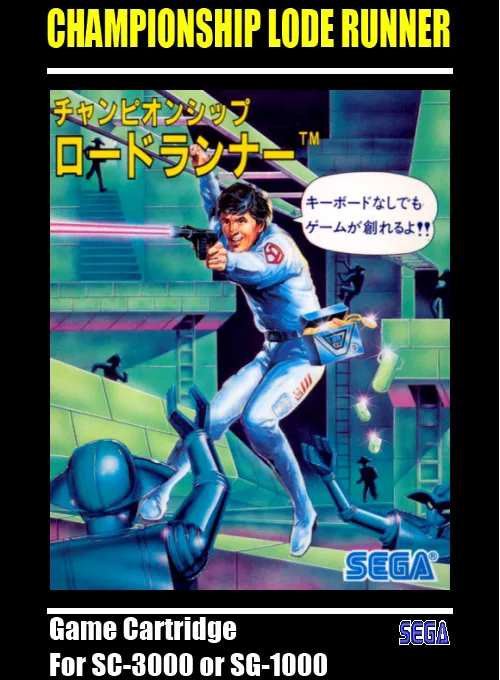
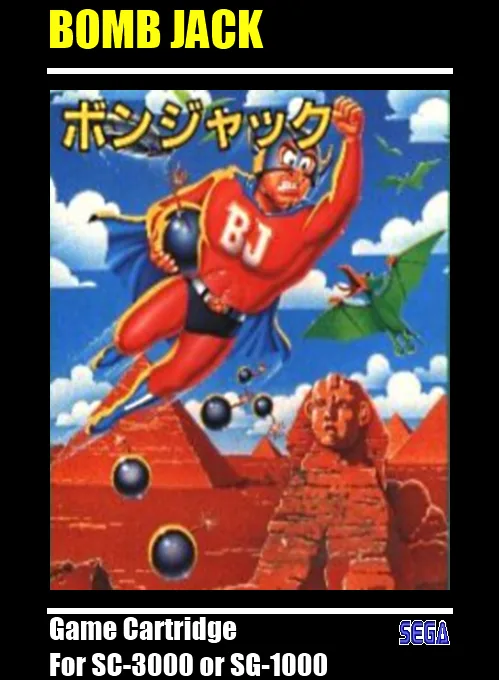
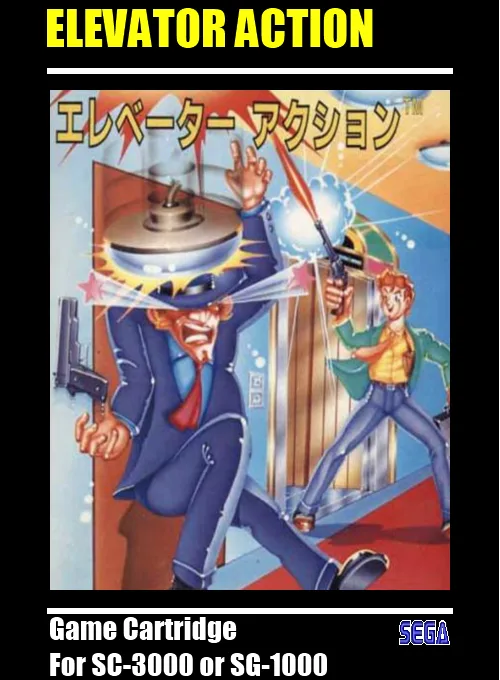
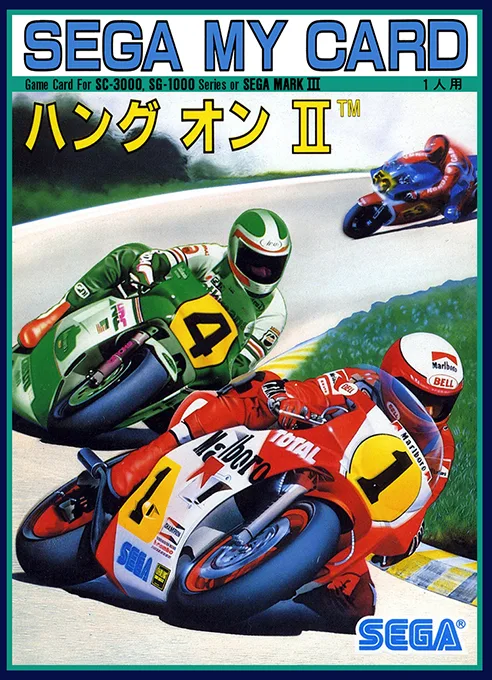
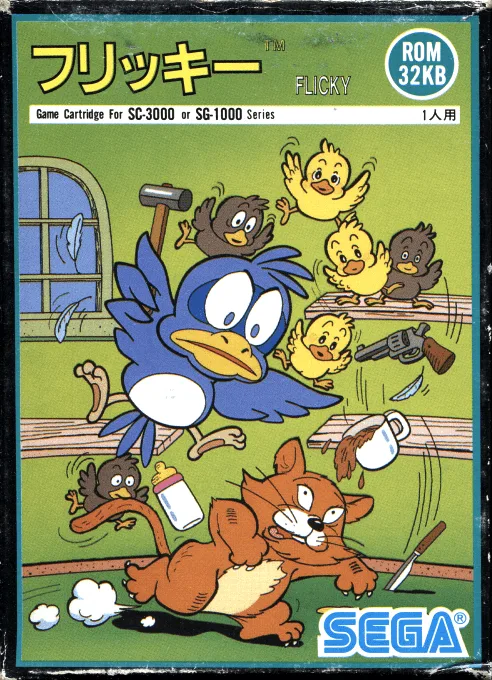
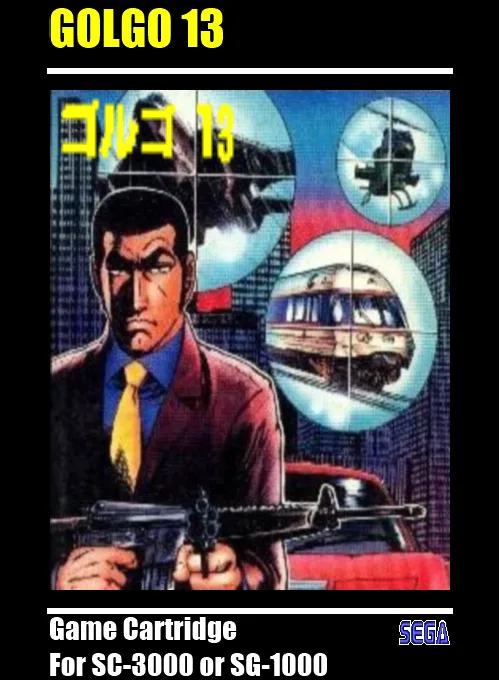
Top-rated SG-1000 games of all time. Play instantly online or download verified ROMs.

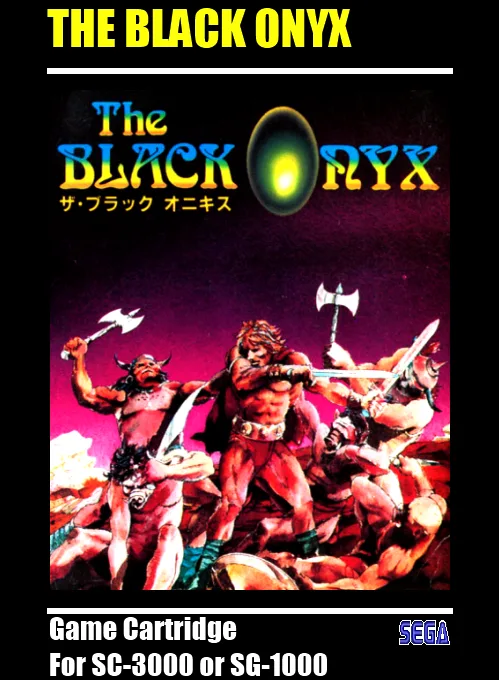
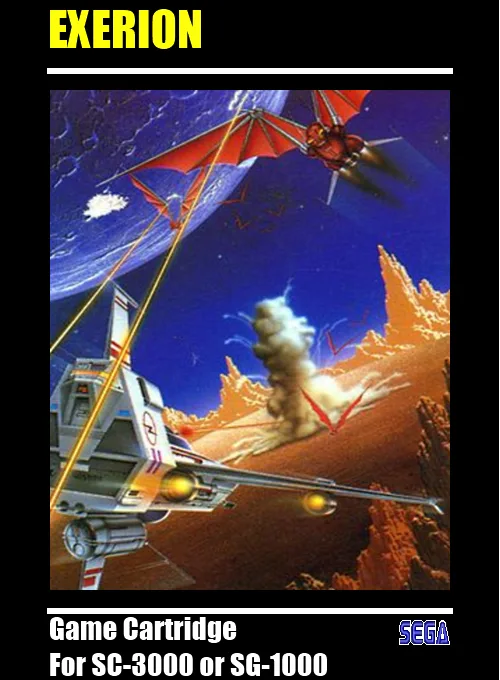
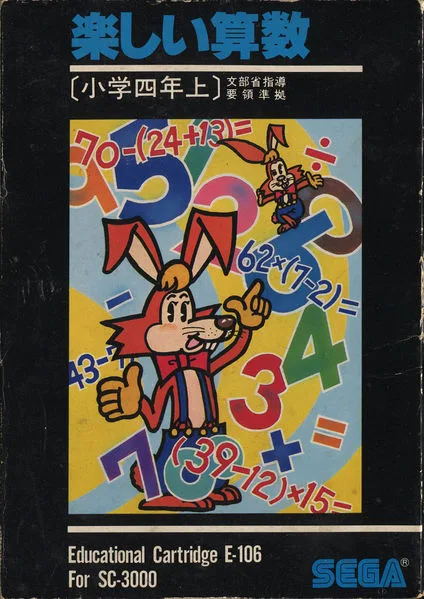
Recommended Emulators & Setup Guide
Best ways to play SG-1000 ROMs on iPhone, Android, PC, Mac, and Steam Deck.
Delta / RetroArch
Seamless full-screen touch controls, controller mapping, and iCloud Drive save syncing.
RetroArch
High performance with fast-forward, custom shaders, and wireless gamepad compatibility.
RetroArch
Accurate emulation, upscaling, rewinding, and comprehensive netplay features.
Pick your favorite titles below and download clean, verified ROM files.
On iOS, tap "+" in Delta to import; on PC/Mac, open directly in mGBA, DuckStation, or RetroArch.
Connect your Bluetooth or USB controller (Xbox/PS/Switch) for zero-latency gameplay.
Frequently Asked Questions
What is the best emulator for SG-1000 on iPhone / iOS?
Delta / RetroArch is the top-rated emulator for iOS, supporting full controller input and save states without requiring jailbreak.
Which emulator is recommended for SG-1000 on PC and Mac?
RetroArch offers the highest accuracy and performance for desktop platforms.
Does SG-1000 require a BIOS file?
No separate BIOS file is needed for SG-1000; modern emulators include high-level emulation (HLE) out of the box.
Can I play SG-1000 games online in my browser?
Yes! You can play classic SG-1000 games on XXXROM directly in modern desktop and mobile browsers without installing any standalone software.