
슈퍼 패미컴 ROMs & Emulators
Super Nintendo Entertainment System (1990) represents the golden age of 16-bit gaming with Super Mario World, Chrono Trigger, and Donkey Kong Country.

가나다·알파벳 색인
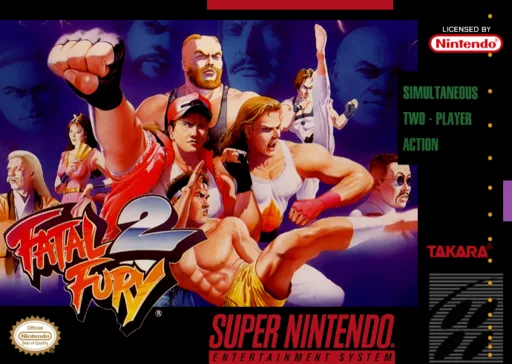
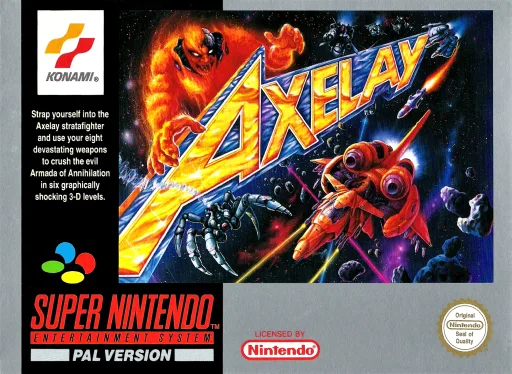
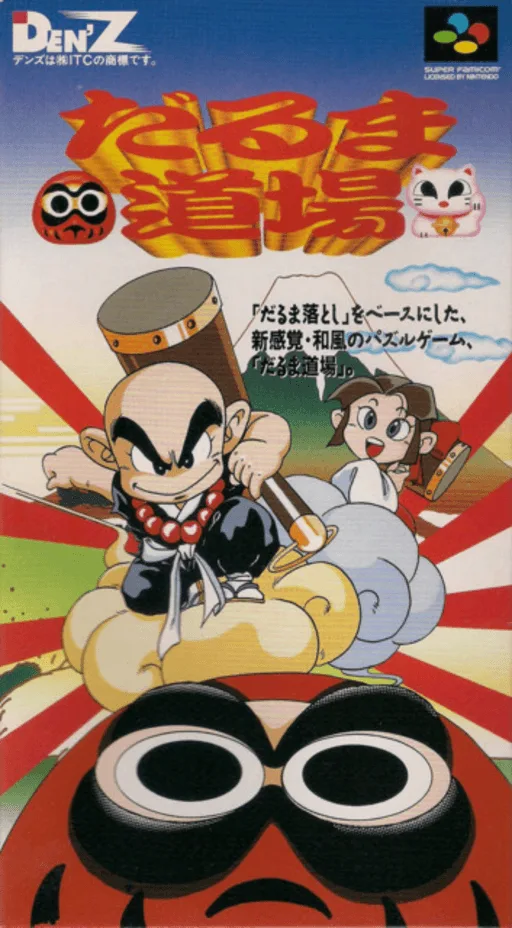
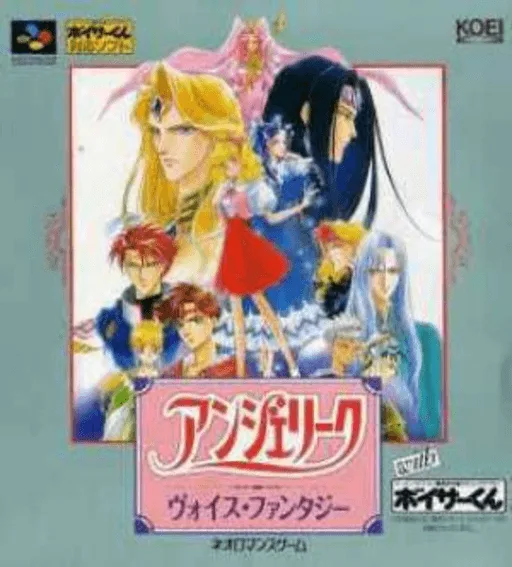
전체 보기 →반드시 해봐야 할 명작 TOP 12
슈퍼 패미컴을 대표하는 전설적인 명작 게임들. 브라우저에서 바로 즐기거나 순정 ROM을 다운로드하세요.

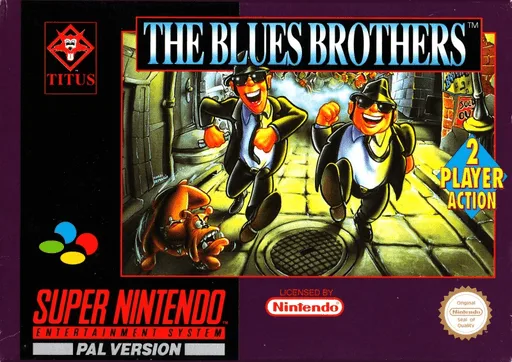
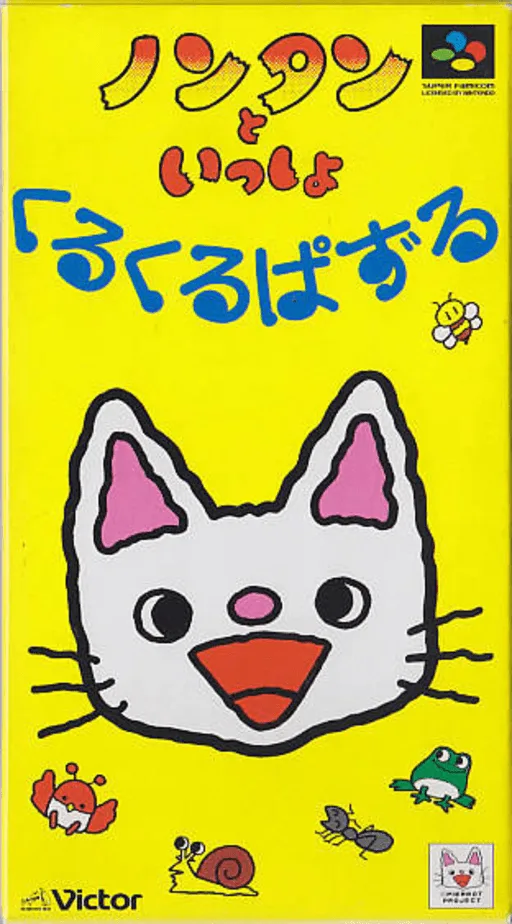

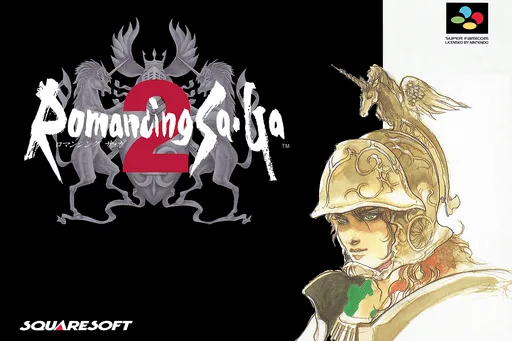

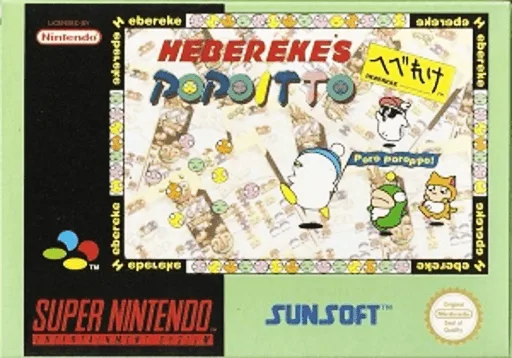

추천 에뮬레이터 및 구동 가이드
iPhone, Android, PC, Mac, Steam Deck에서 슈퍼 패미컴 게임을 완벽하게 실행하는 최선의 방법.
Delta
Seamless full-screen touch controls, controller mapping, and iCloud Drive save syncing.
RetroArch (Snes9x) / Snes9x EX+
High performance with fast-forward, custom shaders, and wireless gamepad compatibility.
Snes9x / bsnes
Accurate emulation, upscaling, rewinding, and comprehensive netplay features.
좋아하는 게임을 선택하고 무변조 순정 ROM 파일을 다운로드합니다.
iPhone은 Delta 앱에서 "+" 버튼으로 추가하고, PC/Mac은 mGBA, DuckStation 또는 RetroArch로 실행합니다.
블루투스나 USB로 Xbox, PS, Switch 패드를 연결하면 딜레이 없이 쾌적하게 즐길 수 있습니다.
자주 묻는 질문 (FAQ)
What is the best emulator for 슈퍼 패미컴 on iPhone / iOS?
Delta is the top-rated emulator for iOS, supporting full controller input and save states without requiring jailbreak.
Which emulator is recommended for 슈퍼 패미컴 on PC and Mac?
Snes9x / bsnes offers the highest accuracy and performance for desktop platforms.
Does 슈퍼 패미컴 require a BIOS file?
No separate BIOS file is needed for 슈퍼 패미컴; modern emulators include high-level emulation (HLE) out of the box.
Can I play 슈퍼 패미컴 games online in my browser?
Yes! You can play classic 슈퍼 패미컴 games on XXXROM directly in modern desktop and mobile browsers without installing any standalone software.