
패밀리 컴퓨터 ROMs & Emulators
The Nintendo Entertainment System (1983) revitalized the gaming industry, giving birth to Super Mario Bros., The Legend of Zelda, and Mega Man.
가나다·알파벳 색인
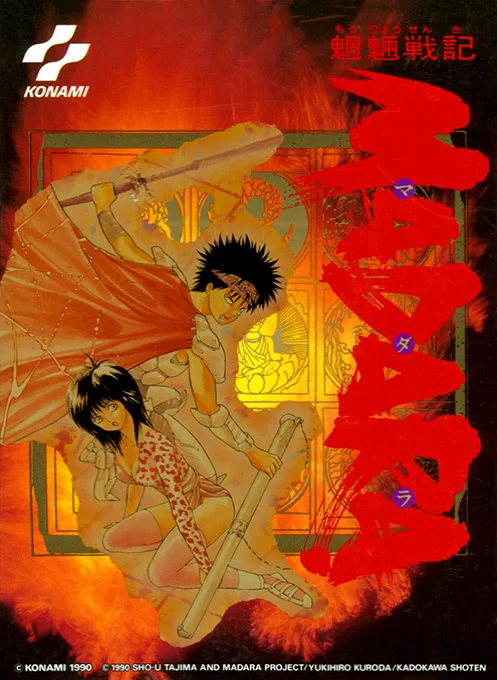
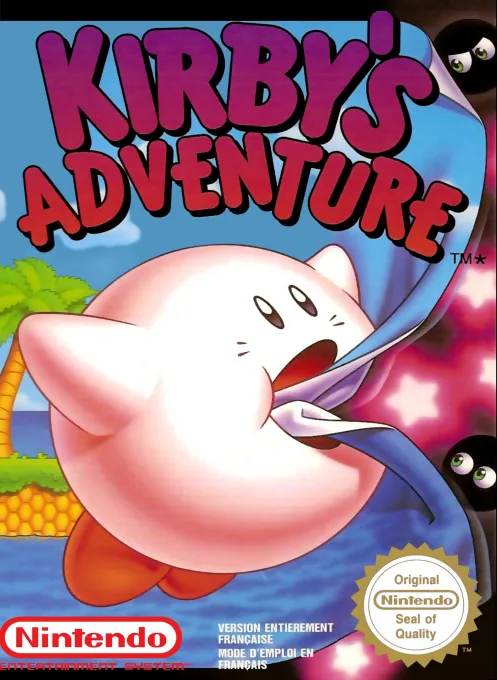
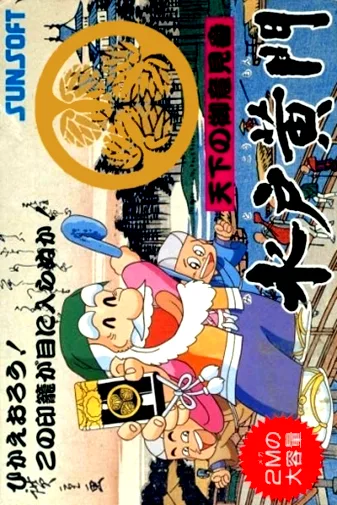
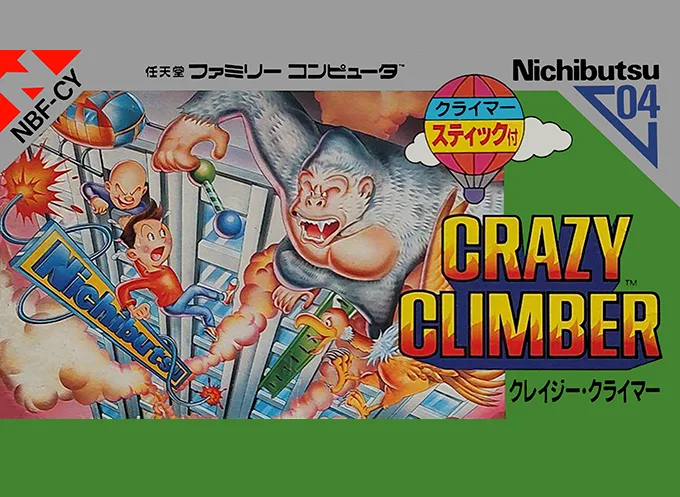
전체 보기 →반드시 해봐야 할 명작 TOP 12
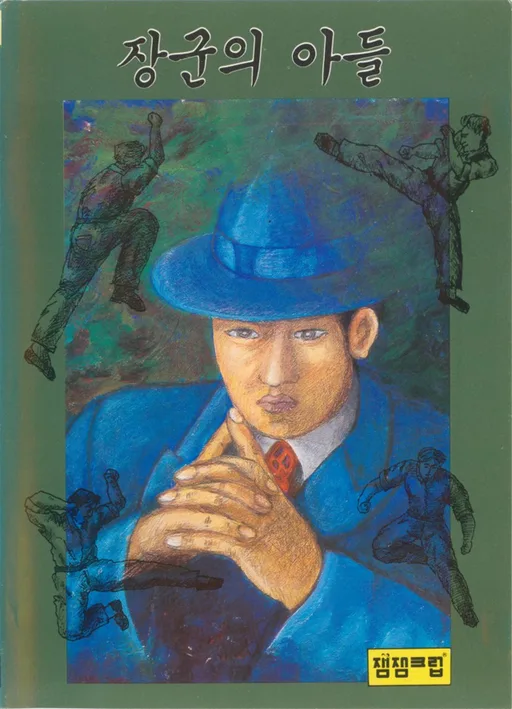
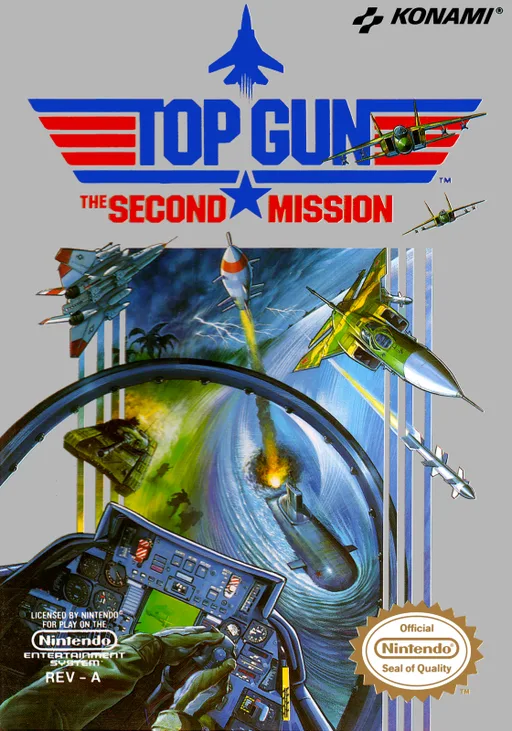
패밀리 컴퓨터을 대표하는 전설적인 명작 게임들. 브라우저에서 바로 즐기거나 순정 ROM을 다운로드하세요.

추천 에뮬레이터 및 구동 가이드
iPhone, Android, PC, Mac, Steam Deck에서 패밀리 컴퓨터 게임을 완벽하게 실행하는 최선의 방법.
Delta
Seamless full-screen touch controls, controller mapping, and iCloud Drive save syncing.
RetroArch (Nestopia / Mesen)
High performance with fast-forward, custom shaders, and wireless gamepad compatibility.
Mesen
Accurate emulation, upscaling, rewinding, and comprehensive netplay features.
좋아하는 게임을 선택하고 무변조 순정 ROM 파일을 다운로드합니다.
iPhone은 Delta 앱에서 "+" 버튼으로 추가하고, PC/Mac은 mGBA, DuckStation 또는 RetroArch로 실행합니다.
블루투스나 USB로 Xbox, PS, Switch 패드를 연결하면 딜레이 없이 쾌적하게 즐길 수 있습니다.
자주 묻는 질문 (FAQ)
What is the best emulator for 패밀리 컴퓨터 on iPhone / iOS?
Delta is the top-rated emulator for iOS, supporting full controller input and save states without requiring jailbreak.
Which emulator is recommended for 패밀리 컴퓨터 on PC and Mac?
Mesen offers the highest accuracy and performance for desktop platforms.
Does 패밀리 컴퓨터 require a BIOS file?
No separate BIOS file is needed for 패밀리 컴퓨터; modern emulators include high-level emulation (HLE) out of the box.
Can I play 패밀리 컴퓨터 games online in my browser?
Yes! You can play classic 패밀리 컴퓨터 games on XXXROM directly in modern desktop and mobile browsers without installing any standalone software.