
スーパーファミコン ROMs & Emulators
Super Nintendo Entertainment System (1990) represents the golden age of 16-bit gaming with Super Mario World, Chrono Trigger, and Donkey Kong Country.
50音・アルファベット順
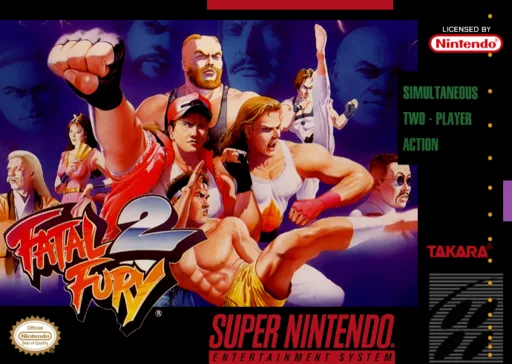
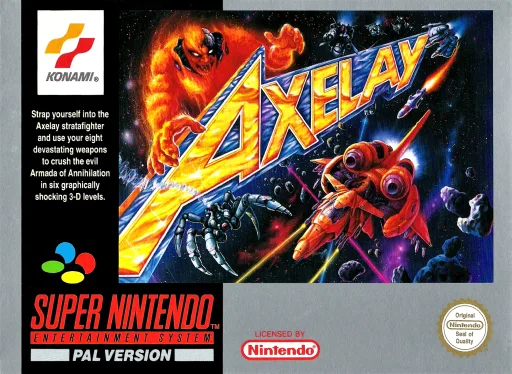
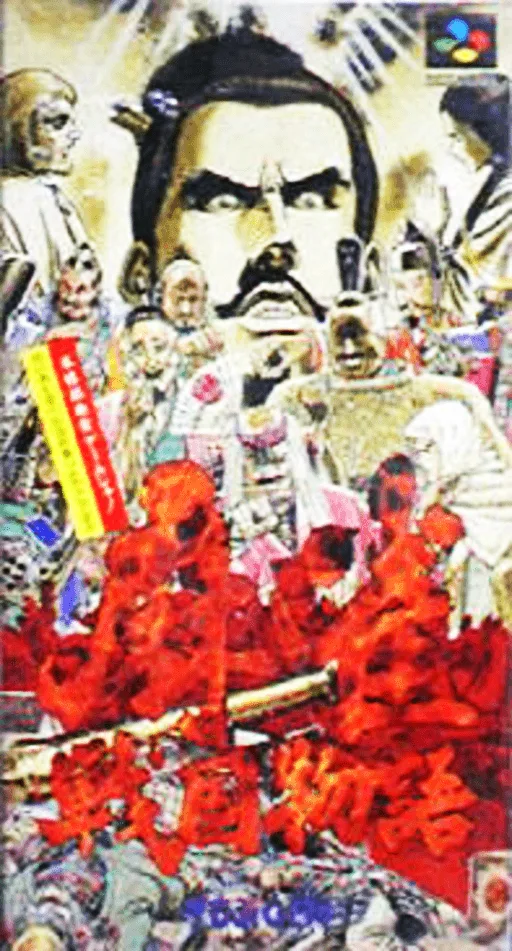
すべて見る →歴代必遊の傑作ランキング
スーパーファミコン を代表する伝説的名作たち。ブラウザですぐに遊ぶことも、安全なROMを保存することも可能です。
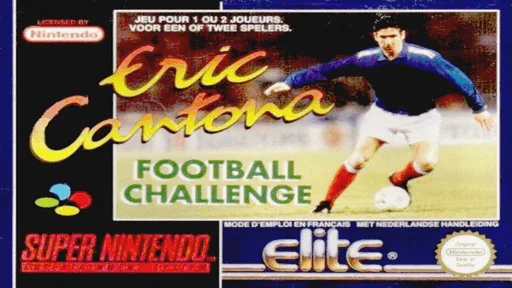
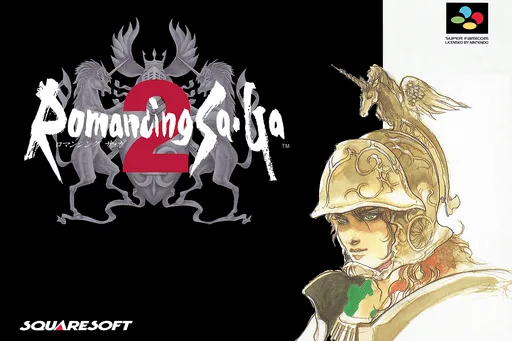
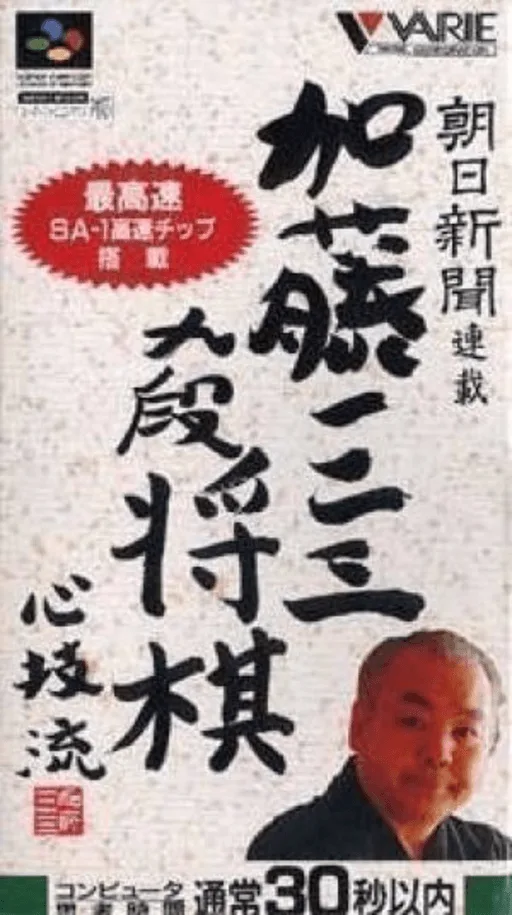
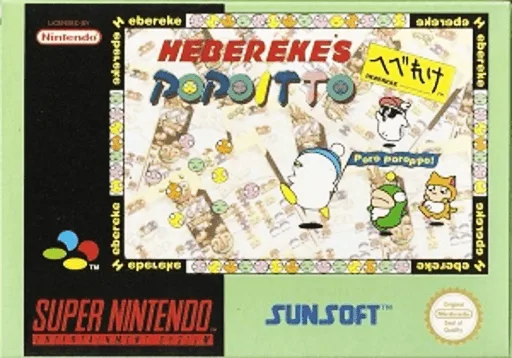

おすすめエミュレータと起動手順
iPhone、Android、PC、Mac、Steam Deck で スーパーファミコン ROMを快適に動かす最適な方法。
Delta
Seamless full-screen touch controls, controller mapping, and iCloud Drive save syncing.
RetroArch (Snes9x) / Snes9x EX+
High performance with fast-forward, custom shaders, and wireless gamepad compatibility.
Snes9x / bsnes
Accurate emulation, upscaling, rewinding, and comprehensive netplay features.
お好みのタイトルを選び、検証済みの未改造ROMを取得します。
iPhoneはDeltaアプリで「+」から取り込み、PC/MacはmGBAやDuckStation、RetroArchで起動します。
BluetoothやUSBでXbox/PS/Switchコントローラーを繋げば、遅延なく快適に遊べます。
よくある質問 (FAQ)
What is the best emulator for スーパーファミコン on iPhone / iOS?
Delta is the top-rated emulator for iOS, supporting full controller input and save states without requiring jailbreak.
Which emulator is recommended for スーパーファミコン on PC and Mac?
Snes9x / bsnes offers the highest accuracy and performance for desktop platforms.
Does スーパーファミコン require a BIOS file?
No separate BIOS file is needed for スーパーファミコン; modern emulators include high-level emulation (HLE) out of the box.
Can I play スーパーファミコン games online in my browser?
Yes! You can play classic スーパーファミコン games on XXXROM directly in modern desktop and mobile browsers without installing any standalone software.