
Yu-Gi-Oh! Duel Monsters 4: Battle of Great Duelists - Kaiba Deck
Also known as: Yu-Gi-Oh! Duel Monsters 4: Batalha dos Grandes Duelistas - Versão de Kaiba · Ю-Ги-Ох! Дуел Монстерс 4: Баттл оф Грейт Дуелистс - Кайба Дек · Yu-Gi-Oh! Duel Monsters 4 : Bataille des plus grands duellistes - Version Kaiba · 유희왕 듀얼몬스터즈 4: 그레이트 듀엘리스트 전쟁 - 카이바 덱 · 游戏王4 – 最强决斗者战记 海马篇 · Yu-Gi-Oh! Duel Monsters 4: Batalla de los grandes duelistas - Versión de Kaiba · Yu-Gi-Oh! Duel Monsters 4 – Kampf der mächtigsten Duellanten: Kaiba-Version · Γιου-Γκι-Οχ! Ντουελ Μονστερσ 4: Μπατλ οφ Γκρειτ Ντουελιστσ - Καιμπα Ντεκ · يو-غي-وه! دويل مونستيرس 4: باتل أوف غريت دويليستس - كايبا ديك · 遊戯王デュエルモンスターズ4 最強決闘者戦記 海馬デッキ · 遊戲王 怪獸決鬥4 最強決鬥者戰記 海馬篇 · Yu-Gi-Oh! Duel Monsters 4: Battaglia dei grandi duellanti - Versione Kaiba
ROM downloads
1游戏王4 – 最强决斗者战记 海马篇(v1
Frequently Asked Questions
Can I play Yu-Gi-Oh! Duel Monsters 4: Battle of Great Duelists - Kaiba Deck online on my phone and PC?
Yes! You can play Yu-Gi-Oh! Duel Monsters 4: Battle of Great Duelists - Kaiba Deck directly in your browser without installing any emulator. It works smoothly on both desktop and mobile browsers with full audio and controls.
Does in-browser play support saving game progress?
Yes, in-game saving and real-time save states are fully supported and safely stored in your browser local storage.
How do I play this ROM on RetroArch, Delta, or other emulators?
Simply download the free GBC ROM file above. For iPhone and iPad users, you can import and play it directly with the Delta or RetroArch emulator app. For PC, Mac, and Android users, load the ROM into RetroArch, mGBA, or your favorite emulator for enhanced resolution, shaders, and gamepad support.
Can I use a physical controller or gamepad?
Yes! Simply connect any Bluetooth or USB controller (Xbox, PlayStation, Nintendo Switch Pro, or generic gamepads) to your device, and it will be recognized automatically for plug-and-play gaming.
More GBC games
Game Conveni 21
gbc
Game Boy Wars 3
gbc
Shining Force - The Legacy of the Gods
gbc
Game Boy Wars 2
gbc
Worms Armageddon
gbc
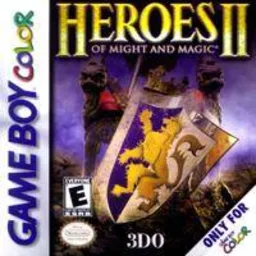
Heroes of Might and Magic II
gbc
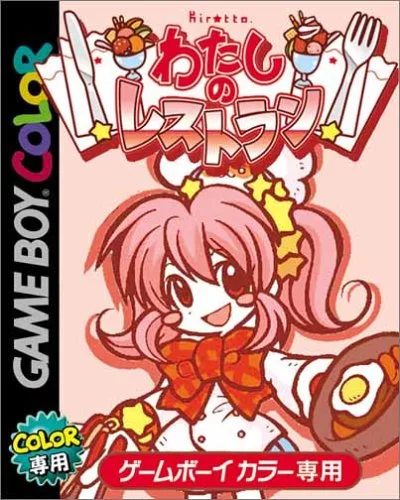
Watashi no Restaurant
gbc
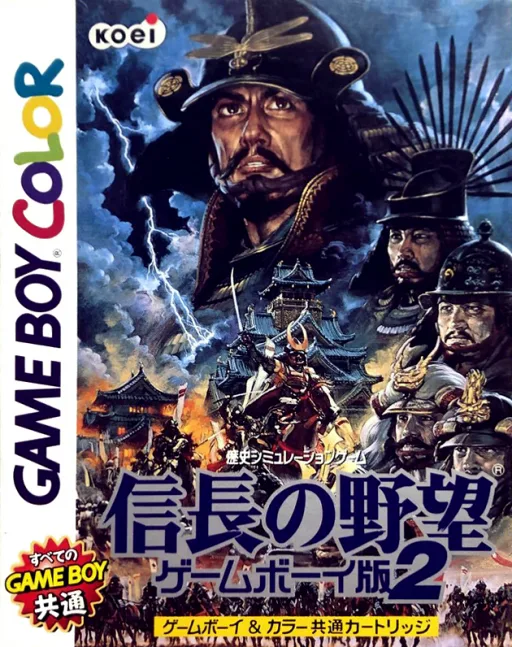
Nobunaga no Yabou - Game Boy Ban 2
gbc
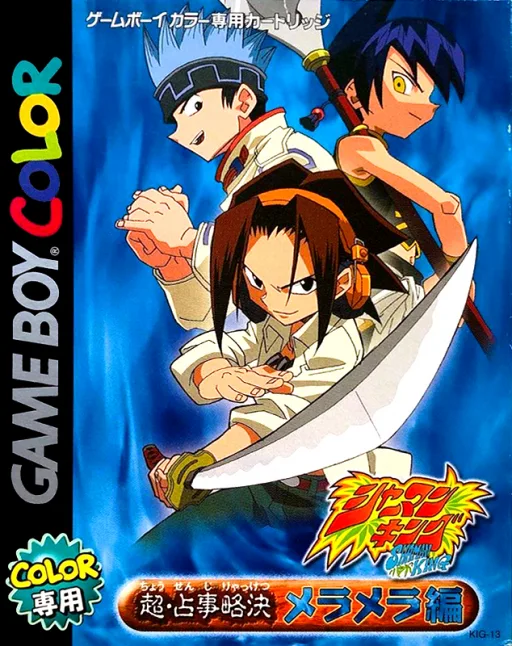
Shaman King Card Game - Chou Senjiryakketsu - Meramera Hen
gbc
Pocket Cooking
gbc
Pocket Densha 2
gbc
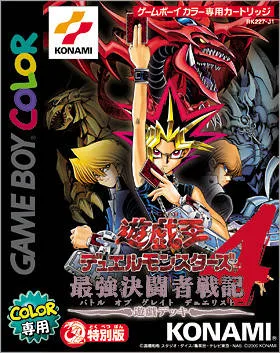
Yu-Gi-Oh! Duel Monsters 4: Battle of Great Duelists
gbc