
Student Computer
Also known as: Computer per studenti · 学生电脑 · Computador de estudante · Studentencomputer · Computadora de estudiante · Ordinateur d'étudiant · 학생 컴퓨터 · 學生電腦
ROM downloads
3学生电脑[小视霸](CN)[ETC](4Mb)
Recommended学生电脑[高昇达](CN)[ETC](4Mb)
学生电脑[未知](CN)[ETC](4Mb)
Frequently Asked Questions
Can I play Student Computer online on my phone and PC?
Yes! You can play Student Computer directly in your browser without installing any emulator. It works smoothly on both desktop and mobile browsers with full audio and controls.
Does in-browser play support saving game progress?
Yes, in-game saving and real-time save states are fully supported and safely stored in your browser local storage.
How do I play this ROM on RetroArch, Delta, or other emulators?
Simply download the free NES ROM file above. For iPhone and iPad users, you can import and play it directly with the Delta or RetroArch emulator app. For PC, Mac, and Android users, load the ROM into RetroArch, mGBA, or your favorite emulator for enhanced resolution, shaders, and gamepad support.
Can I use a physical controller or gamepad?
Yes! Simply connect any Bluetooth or USB controller (Xbox, PlayStation, Nintendo Switch Pro, or generic gamepads) to your device, and it will be recognized automatically for plug-and-play gaming.
More NES games
Super Learning Card
nes
Little Tyrant Learning Machine V6
nes
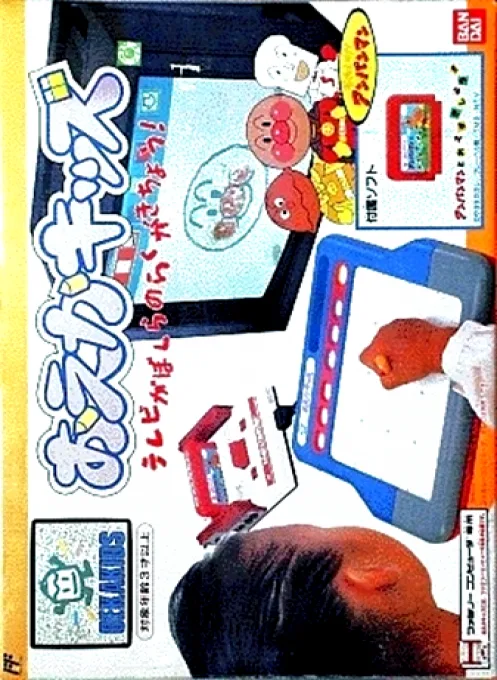
Oeka Kids - Anpanman no Hiragana Daisuki
nes
English-Chinese Dictionary 2
nes

Popeye no Eigo Asobi
nes

Sansuu 1 Nen - Keisan Game
nes

Little Tyrant English Vocab Card
nes

English Sound Ruler Card
nes
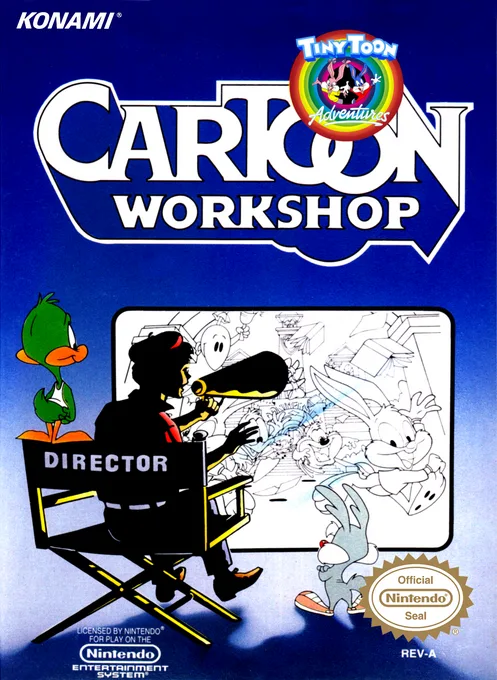
Tiny Toon Adventures Cartoon Workshop
nes
Primary School Chinese Language Proficiency Park
nes
Cognitive Code Learning
nes