
Sawaru Made in Wario (Rev 3)
Also known as: Сделанный Верио · ساوارو مادي إن واريو · Sawaru Made in Wario · 터치! 메이드 인 와리오 (Rev 3) · さわって!メイド イン ワリオ(Rev 3) · Berørbar Wario · 瓦里奥制造触摸/摸摸瓦里奥制造(Rev3) · 瓦里奧製造觸摸/摸摸瓦里奧製造(Rev3) · Aanraakbaar Gemaakt Wario · Kosketeltava Wario · Rörbar Wario · Σαουαζου Μαντε ιν Ουαζιο · Rørbar Wario
ROM downloads
7瓦里奥制造触摸/摸摸瓦里奥制造
Recommended瓦里奥制造触摸/摸摸瓦里奥制造
瓦里奥制造触摸/摸摸瓦里奥制造(Rev1)
瓦里奥制造触摸/摸摸瓦里奥制造(Rev3)
瓦里奥制造触摸/摸摸瓦里奥制造
瓦里奥制造触摸/摸摸瓦里奥制造(Rev2)
瓦里奥制造触摸/摸摸瓦里奥制造
Frequently Asked Questions
Can I play Sawaru Made in Wario (Rev 3) online on my phone and PC?
Yes! You can play Sawaru Made in Wario (Rev 3) directly in your browser without installing any emulator. It works smoothly on both desktop and mobile browsers with full audio and controls.
Does in-browser play support saving game progress?
Yes, in-game saving and real-time save states are fully supported and safely stored in your browser local storage.
How do I play this ROM on RetroArch, Delta, or other emulators?
Simply download the free DS ROM file above. For iPhone and iPad users, you can import and play it directly with the Delta or RetroArch emulator app. For PC, Mac, and Android users, load the ROM into RetroArch, mGBA, or your favorite emulator for enhanced resolution, shaders, and gamepad support.
Can I use a physical controller or gamepad?
Yes! Simply connect any Bluetooth or USB controller (Xbox, PlayStation, Nintendo Switch Pro, or generic gamepads) to your device, and it will be recognized automatically for plug-and-play gaming.
More DS games

Squinkies - Surprize Inside
ds
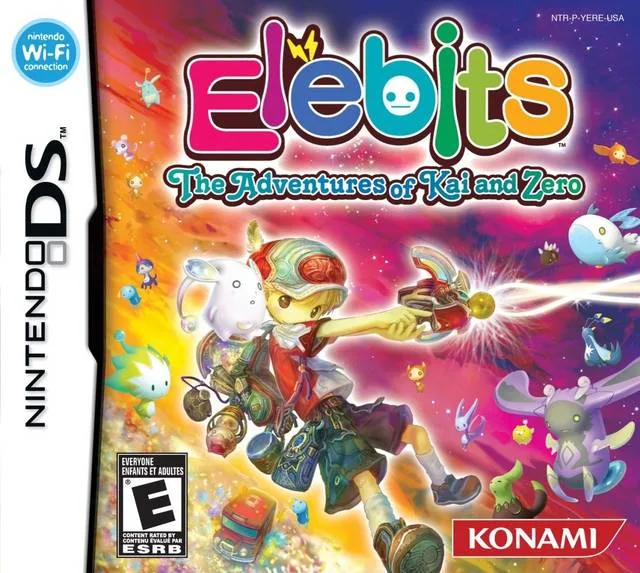
Elebits - Kaiwa Zeroui Sinbihan Yeohaeng
ds

How to Train Your Dragon
ds

Tootuff - Mission Nadia
ds
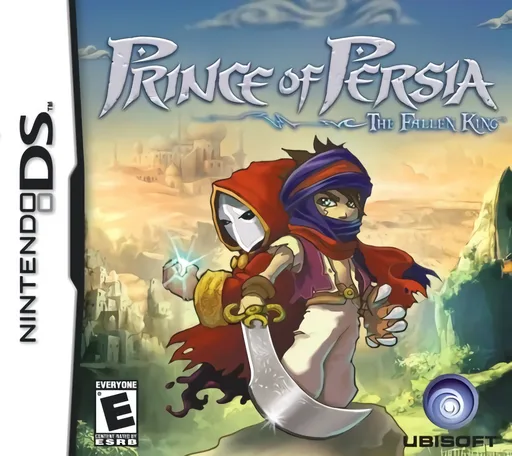
Prince of Persia - The Fallen King
ds
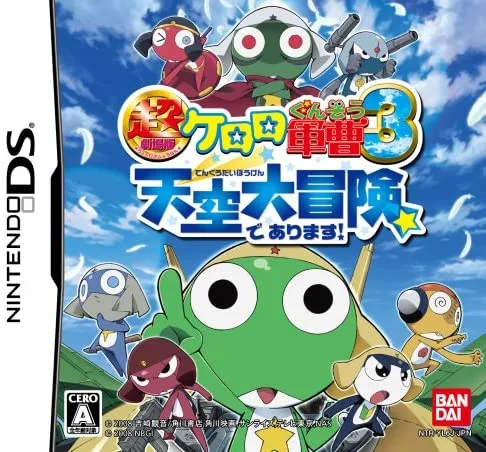
Super Theatrical Version Kuraoro Sergeant 3 Action! The Great Sky Adventure It Is! Story Localization
ds

Back at the Barnyard - Barnyard Games
ds
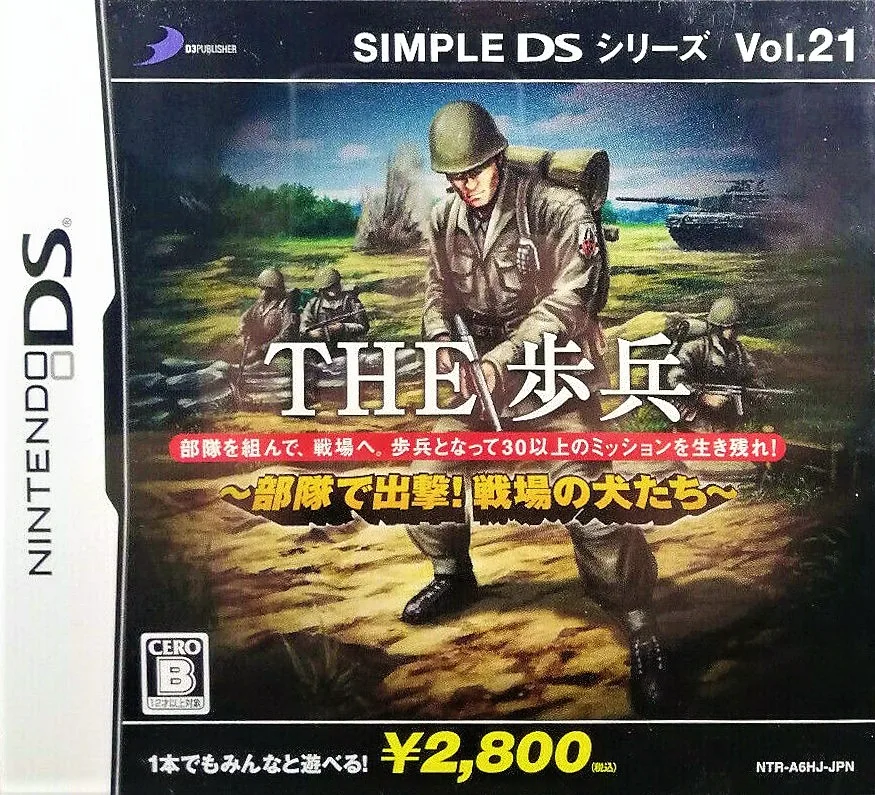
Simple DS Series Vol. 21 THE Infantry - Troops Attack! Battlefield Dogs
ds
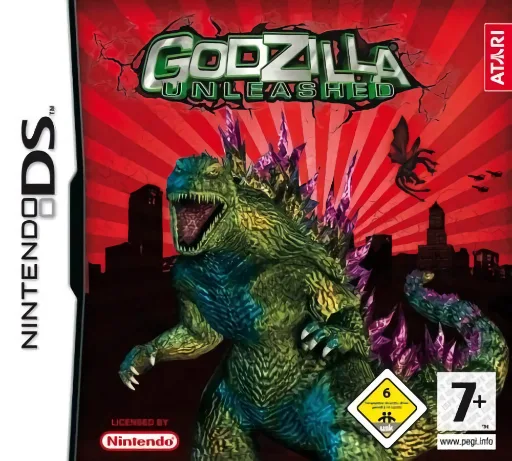
Godzilla Unleashed
ds
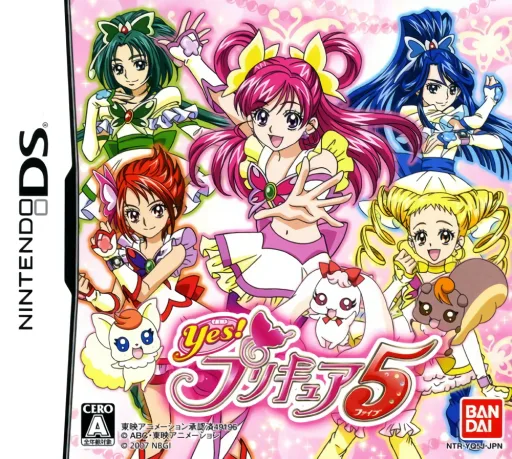
Yes! PreCure 5
ds

Harry Potter and the Deathly Hallows - Part 2
ds

Sillybandz DS
ds