
Legend of Zelda, The - Ocarina of Time 3D
Also known as: The Legend of Zelda - Ocarina of Time 3D · The Legend of Zelda - Ocarina del Tiempo 3D · 薩爾達傳說 時之笛 3D · 塞尔达传说 时之笛 3D · ゼルダの伝説 時のオカリナ 3D · 젤다의 전설 시간의 오카리나 3D · The Legend of Zelda - Ocarina do Tempo 3D
ROM downloads
8Legend of Zelda, The - Ocarina of Time 3D (USA) (En,Fr,Es)
RecommendedLegend of Zelda, The - Ocarina of Time 3D (Europe) (En,Fr,De,Es,It) (Rev 1)
Legend of Zelda, The - Ocarina of Time 3D (Europe) (En,Fr,De,Es,It)
Legend of Zelda, The - Ocarina of Time 3D (USA) (En,Fr,Es) (Rev 1)
Legend of Zelda, The - Ocarina of Time 3D (Korea)
Legend of Zelda, The - Ocarina of Time 3D (Taiwan) (Tw, Cn Region Lock)
Legend of Zelda, The - Ocarina of Time 3D (USA) (En,Fr,Es) (Demo) (Kiosk)
Legend of Zelda, The - Ocarina of Time 3D (Europe) (En,Fr,De,Es,It) (Demo) (Kiosk)
Frequently Asked Questions
Can I play Legend of Zelda, The - Ocarina of Time 3D online on my phone and PC?
Yes! You can play Legend of Zelda, The - Ocarina of Time 3D directly in your browser without installing any emulator. It works smoothly on both desktop and mobile browsers with full audio and controls.
Does in-browser play support saving game progress?
Yes, in-game saving and real-time save states are fully supported and safely stored in your browser local storage.
How do I play this ROM on RetroArch, Delta, or other emulators?
Simply download the free 3DS ROM file above. For iPhone and iPad users, you can import and play it directly with the Delta or RetroArch emulator app. For PC, Mac, and Android users, load the ROM into RetroArch, mGBA, or your favorite emulator for enhanced resolution, shaders, and gamepad support.
Can I use a physical controller or gamepad?
Yes! Simply connect any Bluetooth or USB controller (Xbox, PlayStation, Nintendo Switch Pro, or generic gamepads) to your device, and it will be recognized automatically for plug-and-play gaming.
More 3DS games
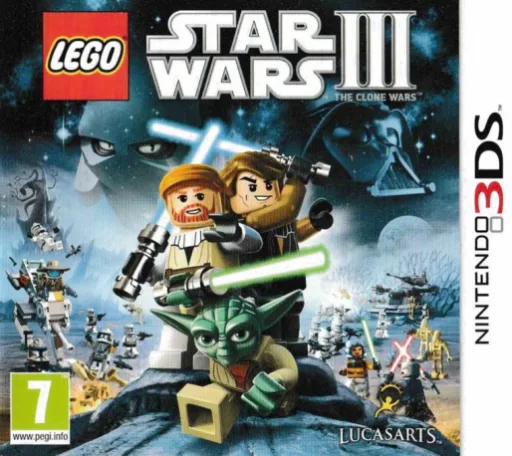
LEGO Star Wars III - The Clone Wars
3ds
Jjangguneun Monmallyeo - Pantaseutik! Ujubyeol Daemoheom!!
3ds
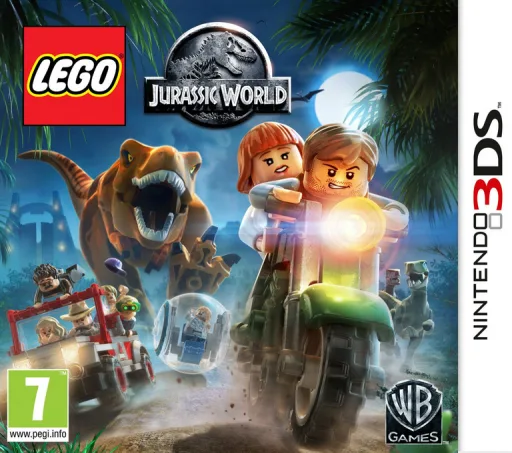
LEGO Jurassic World
3ds
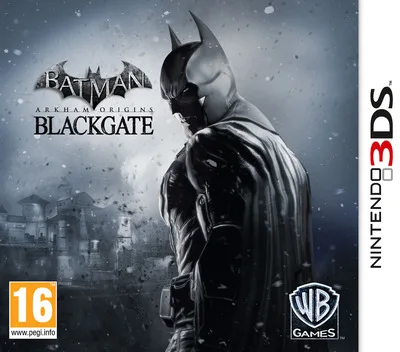
Batman: Arkham Origins Blackgate
3ds
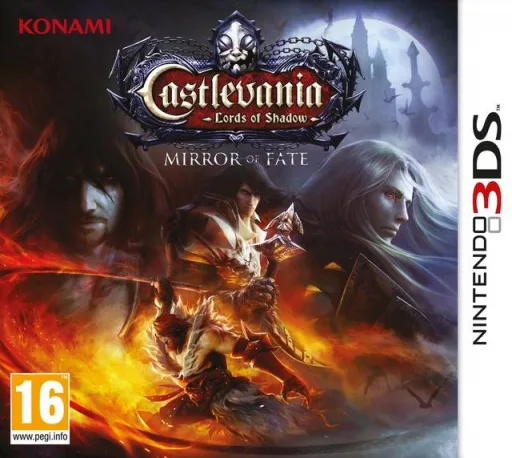
Castlevania - Lords of Shadow - Mirror of Fate
3ds
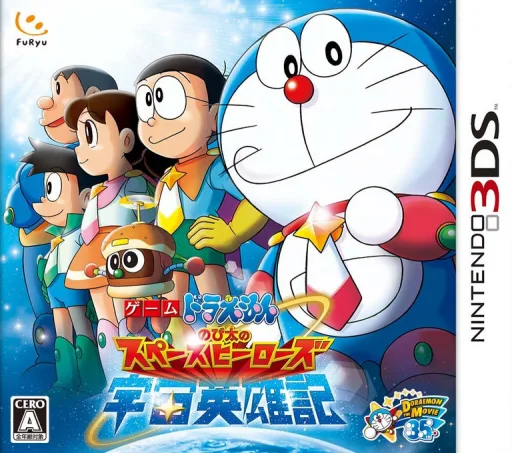
Doraemon - Nobita no Uchuu Eiyuuki
3ds
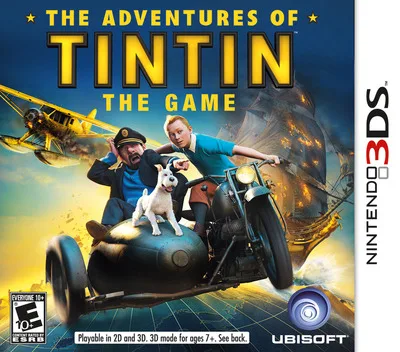
Adventures of Tintin, The - The Game
3ds
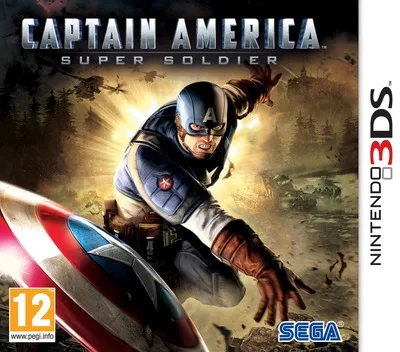
Captain America - Super Soldier
3ds
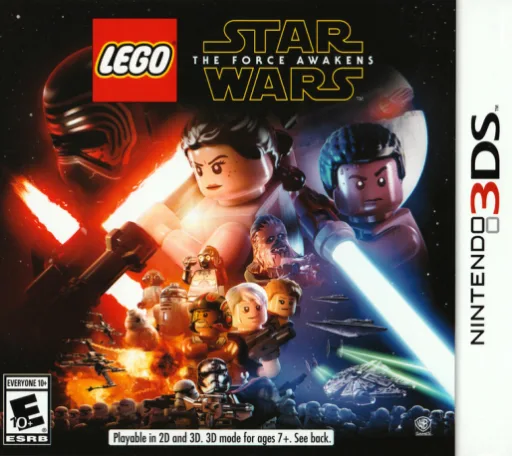
LEGO Star Wars - The Force Awakens
3ds
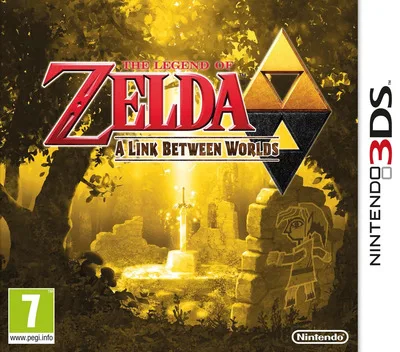
Legend of Zelda, The - A Link Between Worlds
3ds
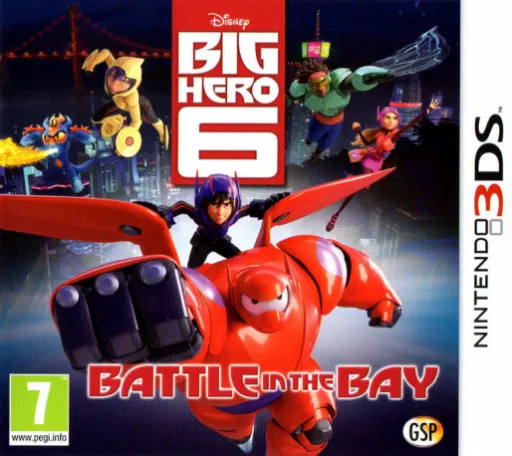
Big Hero 6: Battle in the Bay
3ds
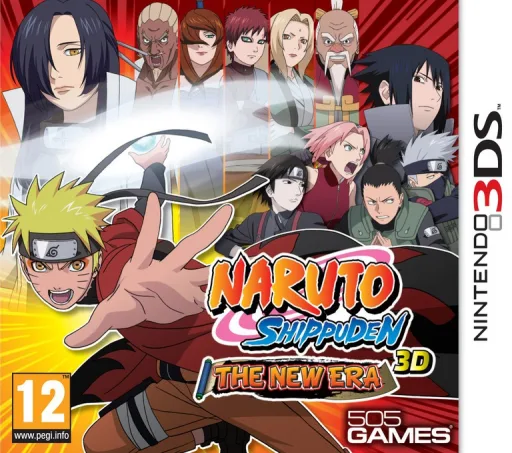
Naruto Shippuden 3D - The New Era
3ds