
Inazuma Eleven 2 - Tormenta de Fuego
Also known as: 闪电十一人2:威胁的侵略者(热焰) · Иназума Елевен 2 - Тормента дэ Фуего · Inazuma Eleven 2: Feuersturm · Ιναζουμα Ελεβεν 2 - Τορμεντα ντε Φουεγκο · Inazuma Eleven 2: Firestorm · イナズマイレブン2 脅威の侵略者 ファイア · Inazuma Eleven 2: Tempete de Feu · Inazuma Eleven 2: Tempesta di Fuoco · 閃電十一人2:威脅的侵略者(熱焰) · 이노타마十一人2: 위협의 침략자 파이어 · ينازوما يليفين 2 - تورمينتا دي فويغو
ROM downloads
7闪电十一人2:威胁的侵略者(热焰)
Recommended闪电十一人2:威胁的侵略者(热焰)
闪电十一人2:威胁的侵略者(热焰)
闪电十一人2:威胁的侵略者(热焰)
闪电十一人2:威胁的侵略者(热焰)
闪电十一人2:威胁的侵略者(热焰)
闪电十一人2:威胁的侵略者(热焰)
Frequently Asked Questions
Can I play Inazuma Eleven 2 - Tormenta de Fuego online on my phone and PC?
Yes! You can play Inazuma Eleven 2 - Tormenta de Fuego directly in your browser without installing any emulator. It works smoothly on both desktop and mobile browsers with full audio and controls.
Does in-browser play support saving game progress?
Yes, in-game saving and real-time save states are fully supported and safely stored in your browser local storage.
How do I play this ROM on RetroArch, Delta, or other emulators?
Simply download the free DS ROM file above. For iPhone and iPad users, you can import and play it directly with the Delta or RetroArch emulator app. For PC, Mac, and Android users, load the ROM into RetroArch, mGBA, or your favorite emulator for enhanced resolution, shaders, and gamepad support.
Can I use a physical controller or gamepad?
Yes! Simply connect any Bluetooth or USB controller (Xbox, PlayStation, Nintendo Switch Pro, or generic gamepads) to your device, and it will be recognized automatically for plug-and-play gaming.
More DS games
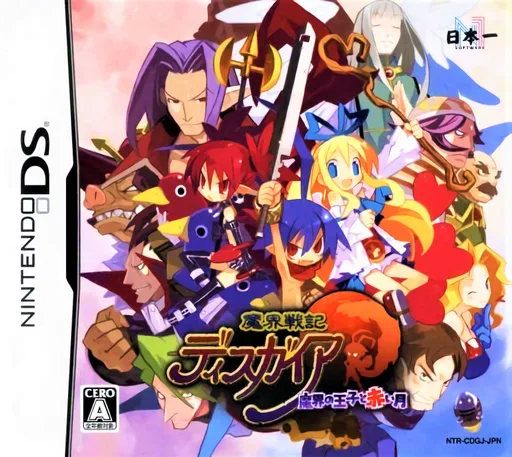
Makai Senki Disgaea - Makai no Ouji to Akai Tsuki
ds
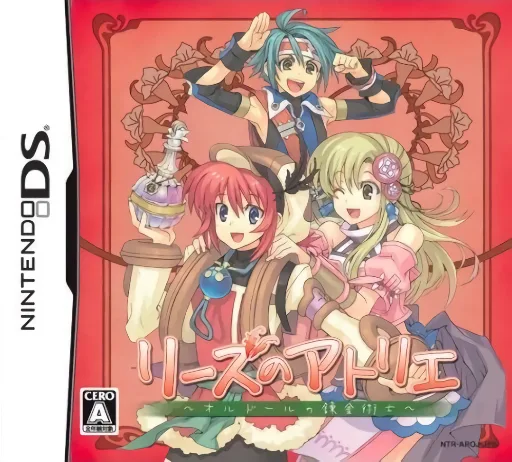
Lise no Atelier - O'ldor no Renkinjutsushi (Rev 1)
ds
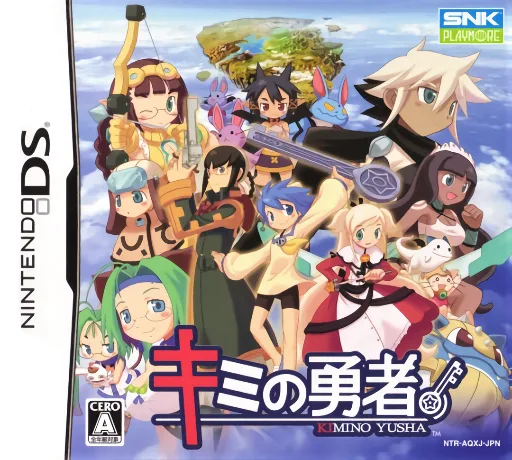
Kimi no Yuusha
ds
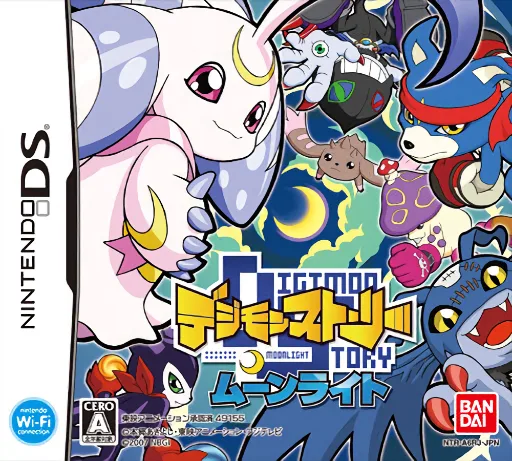
Digimon Story - Moonlight
ds
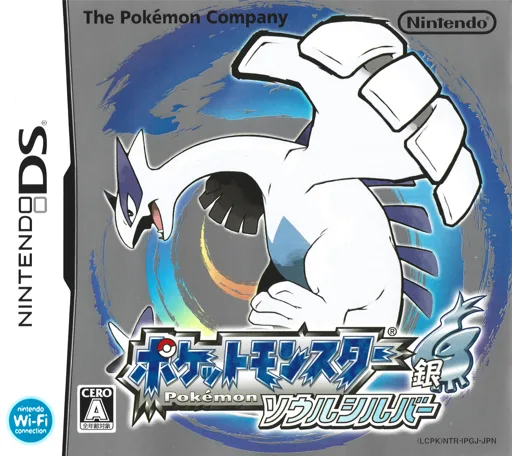
Pokémon Silver
ds
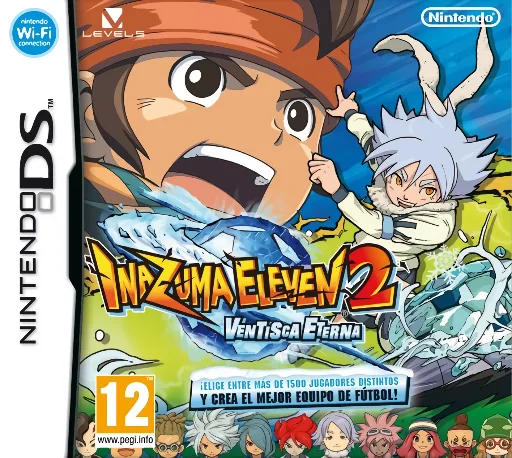
Inazuma Eleven 2 - Ventisca Eterna
ds
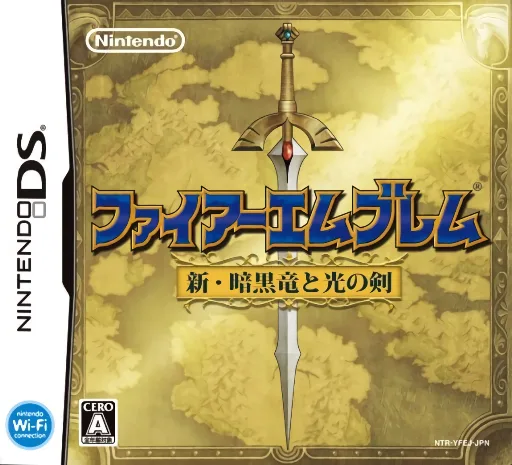
Fire Emblem - Shin Ankoku Ryuu to Hikari no Ken
ds
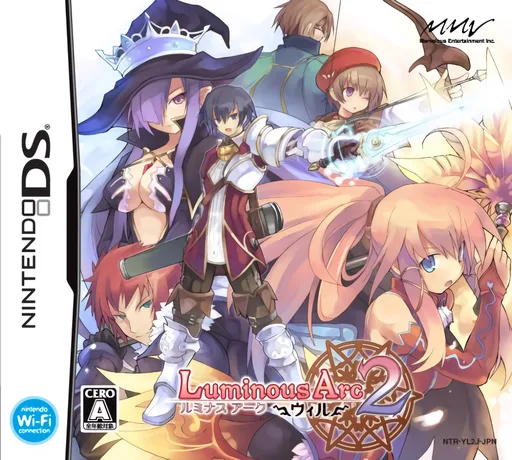
Luminous Arc 2 - Will
ds
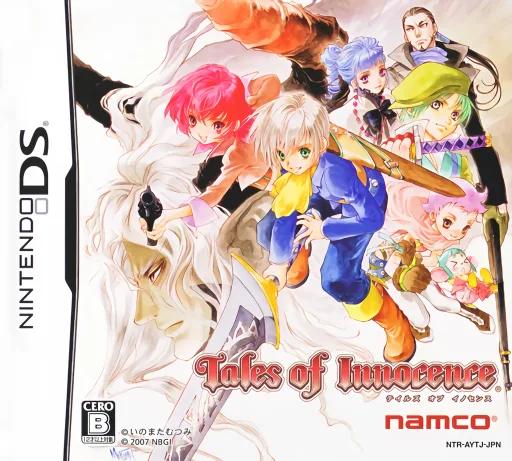
Tales of Innocence
ds
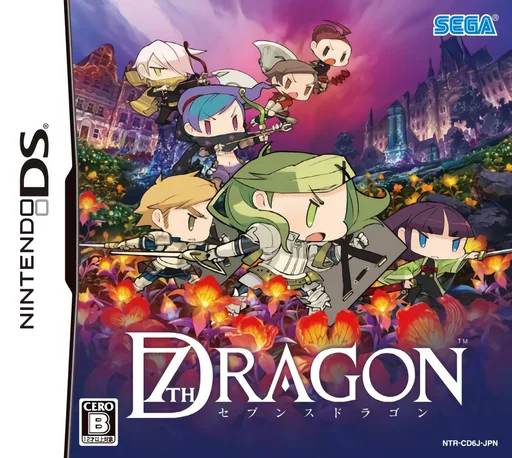
7th Dragon
ds
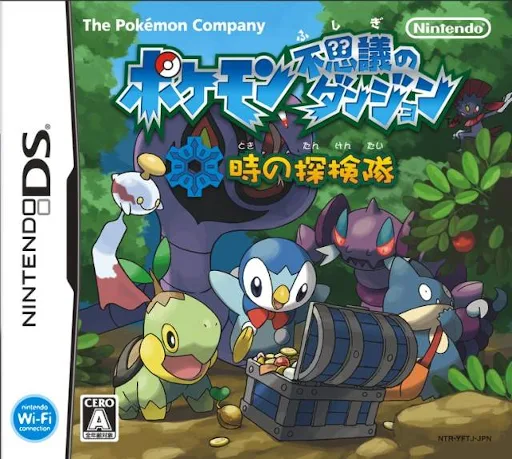
Pokemon Mystery Dungeon - Explorers of Time
ds