
DoraMoji - Nobita no Kanji Daisakusen
Also known as: DoraMoji - Nobitas Store Kanji-Operasjon · DoraMoji - La Gran Operación Kanji de Nobita · DoraMoji - Nobitas große Kanji-Operation · دوراموجي - نوبيتا نو كانجي دايساكوسين · ДораМодзи: Большая операция Нобиты по кандзи · DoraMoji - La Grande Operazione Kanji di Nobita · DoraMoji - La Grande Opération Kanji de Nobita · 도라모지 노비타의 한자 대작전 · Ντοραμοτζι - Νομπιτα νο Καντζι Νταισακουσεν · DoraMoji - Nobita's Grote Kanji-Operatie · 多拉文字 大雄的汉字大作战 · DoraMoji - Nobitan Suuri Kanji-Operaatio · DoraMoji - Nobitas Store Kanji-Operation · 多拉文字 大雄的漢字大作戰 · DoraMoji - Nobitas Stora Kanji-Operation · どら文字 のび太の漢字大作戦 · DoraMoji - A Grande Operação Kanji de Nobita
ROM downloads
1DoraMoji - Nobita no Kanji Daisakusen (Japan)
Frequently Asked Questions
Can I play DoraMoji - Nobita no Kanji Daisakusen online on my phone and PC?
Yes! You can play DoraMoji - Nobita no Kanji Daisakusen directly in your browser without installing any emulator. It works smoothly on both desktop and mobile browsers with full audio and controls.
Does in-browser play support saving game progress?
Yes, in-game saving and real-time save states are fully supported and safely stored in your browser local storage.
How do I play this ROM on RetroArch, Delta, or other emulators?
Simply download the free 3DS ROM file above. For iPhone and iPad users, you can import and play it directly with the Delta or RetroArch emulator app. For PC, Mac, and Android users, load the ROM into RetroArch, mGBA, or your favorite emulator for enhanced resolution, shaders, and gamepad support.
Can I use a physical controller or gamepad?
Yes! Simply connect any Bluetooth or USB controller (Xbox, PlayStation, Nintendo Switch Pro, or generic gamepads) to your device, and it will be recognized automatically for plug-and-play gaming.
More 3DS games
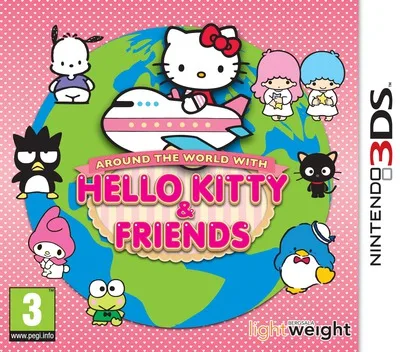
Around the World with Hello Kitty & Friends
3ds
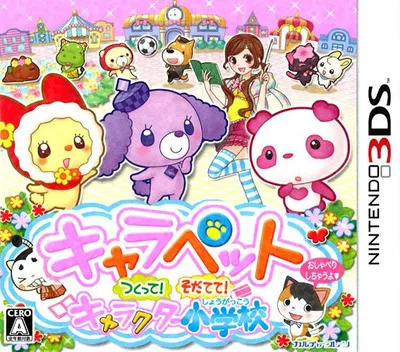
CharaPet Tsukutte! Sodatete! Character Shougakkou
3ds
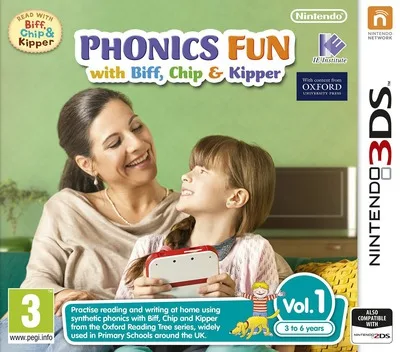
Kipper no Eigo Kyoushitsu - Floppys Phonics Vol. 1 - Kipper-Hen
3ds
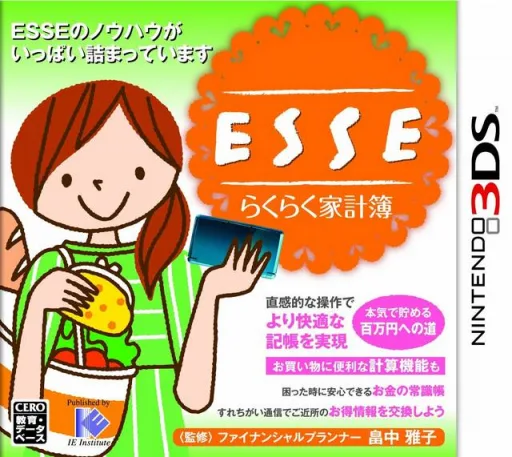
ESSE Rakuraku Kakeibo
3ds
Kouekizaidan Houjin Nihon Kanji Nouryoku Kentei Kyoukai - Kanken Training 2
3ds
Hyakumasu Dora-Zan - Nobita no Time Battle
3ds
I Love My Cats
3ds
Kuukan Sagashimono Kei Nouryoku Kaihatsu - 3D Nou Training
3ds
Kipper no Eigo Kyoushitsu - Floppys Phonics Vol. 2 - Biff-Hen
3ds
Hana to Ikimono Rittai Zukan
3ds
Fireman Sam - To the Rescue
3ds