
Game Boy Color ROMs & Emulators
Game Boy Color (1998) added vibrant color palettes and backward compatibility with Pokémon Crystal and The Legend of Zelda: Oracle series.

Índice A-Z
Ver todos →Los Mejores Juegos Imprescindibles
Obras maestras de Game Boy Color. Juega online al instante o descarga ROMs limpias y verificadas.

V-Rally - Edition 99
gbc
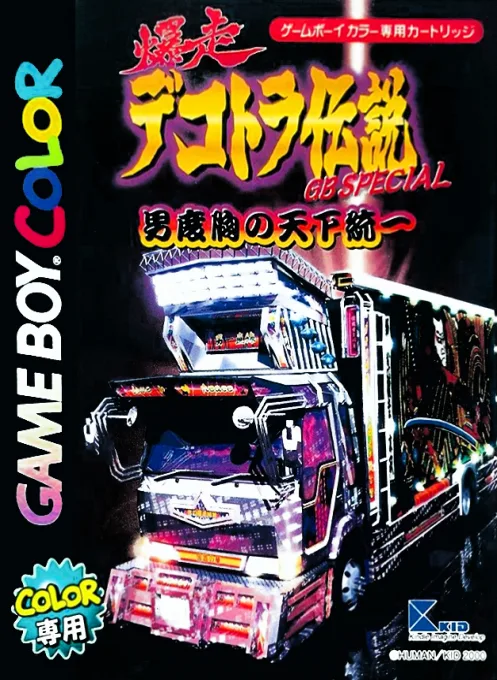
Bakusou Dekotora Densetsu GB Special - Otoko Dokyou no Tenka Touitsu
gbc

Shin Megami Tensei: Revelations II
gbc
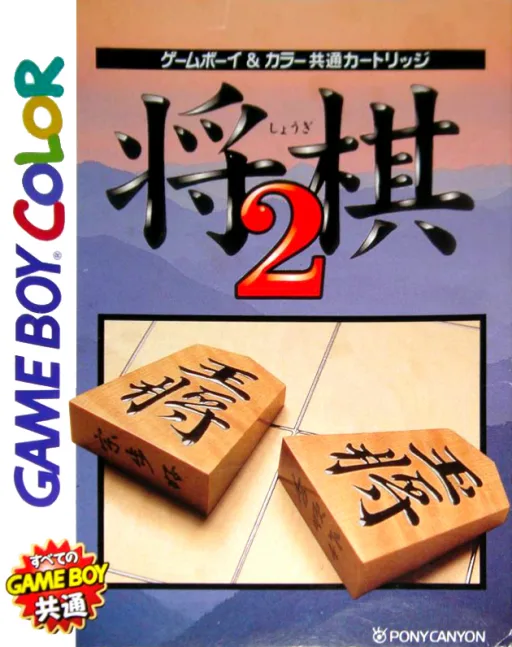
Shougi 2
gbc

Pitfall GB
gbc
Animorphs
gbc

Space Marauder
gbc
Dragon Ball Z - Legendary Super Warriors
gbc

Madden NFL 2002
gbc
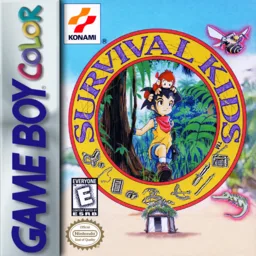
Survival Kids - Kotou no Boukensha
gbc
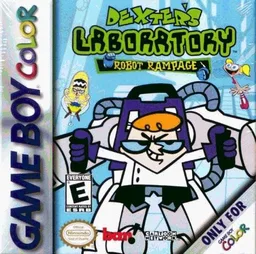
Dexter's Laboratory - Robot Rampage
gbc
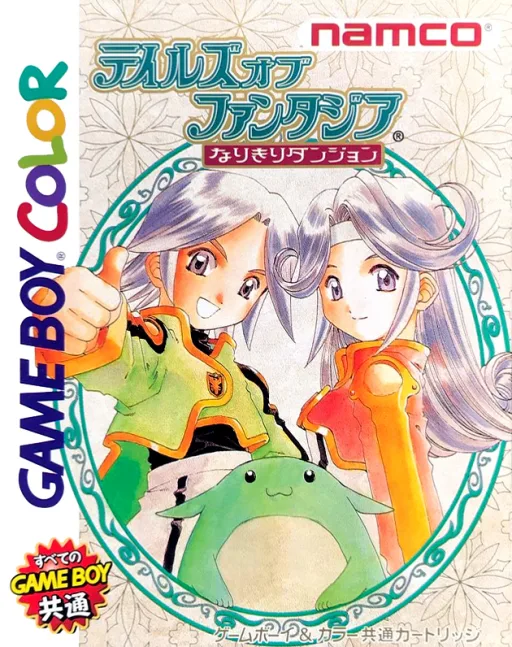
Tales of Phantasia - Narikiri Dungeon
gbc
Emuladores Recomendados y Guía
Las mejores opciones para jugar a ROMs de Game Boy Color en iPhone, Android, PC, Mac y Steam Deck.
Delta
Seamless full-screen touch controls, controller mapping, and iCloud Drive save syncing.
Pizza Boy GBC / RetroArch
High performance with fast-forward, custom shaders, and wireless gamepad compatibility.
SameBoy
Accurate emulation, upscaling, rewinding, and comprehensive netplay features.
Elige tus títulos favoritos y descarga el archivo comprimido sin modificaciones.
En iPhone pulsa "+" en Delta para importar; en PC/Mac abre directamente el archivo en mGBA, DuckStation o RetroArch.
Conecta mandos por Bluetooth o USB (Xbox, PS o Switch) para jugar sin latencia.
Preguntas Frecuentes (FAQ)
What is the best emulator for Game Boy Color on iPhone / iOS?
Delta is the top-rated emulator for iOS, supporting full controller input and save states without requiring jailbreak.
Which emulator is recommended for Game Boy Color on PC and Mac?
SameBoy offers the highest accuracy and performance for desktop platforms.
Does Game Boy Color require a BIOS file?
No separate BIOS file is needed for Game Boy Color; modern emulators include high-level emulation (HLE) out of the box.
Can I play Game Boy Color games online in my browser?
Yes! You can play classic Game Boy Color games on XXXROM directly in modern desktop and mobile browsers without installing any standalone software.